Best free apps for clipping videos in India (2026)
The best free app for clipping videos in India is YouTube Create for Shorts and Edits for Reels: both are free, make auto captions and export up to 4K. VN and Adobe Premiere export with no watermark on the free tier. CapCut is blocked in India. Every fact was checked on 21 October 2026.
Which is the best free app for clipping videos in India?
For most creators in India, the best free app for clipping videos is the one made by the platform you post on: YouTube Create for YouTube Shorts and Edits for Instagram Reels. Both are free, both make auto captions, and both export up to 4K. If you want one editor for both platforms, VN and Adobe Premiere export with no watermark on the free tier. InShot and Canva are easy to learn, with limits worth knowing first.
Musubi publishes this page, and Musubi is not an editing app. Musubi is an Indian marketplace where brands pay creators per 1,000 verified views on Instagram Reels and YouTube Shorts. Every cell in the table comes from the app's own store listing, help centre or website, read on 21 October 2026. Where an app's own pages do not say something, the cell says "Not stated".
| App | Free? | Watermark on free exports | Auto captions | Max export | Android / iOS | Source, read 21 Oct 2026 |
|---|---|---|---|---|---|---|
| YouTube Create | Yes, no in app purchases listed | Not stated | Yes, in selected languages | 4K, up to 60 fps | Both. Android needs 4 GB RAM; iPhone XR or newer on iOS 17 | Play Store, App Store India, YouTube Help |
| Edits (Instagram) | Yes; the Play listing now shows in app purchases | None | Yes | 4K | Both. iOS 16.3 or later | Play Store, App Store India, Meta |
| InShot | Yes, with ads | Yes; Pro removes it | Yes, including Hindi, Bengali, Telugu, Marathi, Tamil and Urdu; free or Pro not stated | 4K at 60 fps; whether free users get it is not stated | Both | Play Store, App Store India, terms |
| VN | Yes, with ads | None | Yes; free or paid not stated | 4K at 60 fps; free tier limit not stated | Both, plus Mac and Windows | Play Store, App Store India |
| Adobe Premiere | Yes, no ads; you pay only for Firefly AI credits | None | iPhone yes, free; Android "coming soon" | 4K, at 24 to 60 fps | Both. Android needs 5 GB RAM | Play Store, App Store India, Adobe FAQ |
| Canva | Yes, no ads | None with free elements; premium elements must be paid for | Yes, which Canva calls free | 1080p and 30 minutes on Canva Free; 4K is Pro and desktop only | Both | Play Store, App Store India, Canva help |
App stores update every week or two, and free tiers change without notice. Open the source link before you rely on a cell, and do one test export before you cut a whole batch.
Is CapCut available in India?
No. CapCut, the ByteDance editor that tops many global lists, is not available in India. On 21 October 2026, CapCut's Google Play listing returned "Not found" for India while it loaded for the United States, and a lookup in Apple's India App Store returned no result.
CapCut was blocked by the Government of India in July 2020, in an order covering 47 more apps that followed the 29 June 2020 block of TikTok and 58 other apps under Section 69A of the Information Technology Act. CapCut is not named in the June release. The government did not publish the July list, but the Economic Times obtained 15 of its names and CapCut was one, as Inc42 reported on 5 August 2020. In August 2025, after the TikTok website briefly loaded for some users, the government said through All India Radio that no order had been issued to lift the 2020 blocks. We found no report of CapCut returning to India in 2025 or 2026.
Many global "best clipping app" lists still put CapCut first, because they are written for other countries. Do not sideload a CapCut APK from a mirror site to get around the block. A file from an unofficial site can carry anything, and you would be editing on an app the government has blocked. Every app in the table above does the same core jobs.
The apps, one by one
Each section below opens with what the app does best for clipping, then the catch. Every figure is from the app's own listing or help pages as read on 21 October 2026.
YouTube Create: best for YouTube Shorts
YouTube Create is Google's free phone editor for YouTube, and it exports up to 4K at up to 60 fps with one tap auto captions in selected languages. India is on YouTube's list of locations where it is available, and India made up 51 percent of its monthly users in the second quarter of 2025, according to Appfigures data reported by TechCrunch. It resizes to portrait, landscape or square. The app came to iPhone in late 2025, and the India App Store lists it for iOS 17 and later.
The catch is music. Music from the Shorts Audio Library is removed automatically if you export a video longer than 15 seconds, says YouTube Help. To keep up to 60 seconds of that music, you upload straight to YouTube from the app. So if you plan to post the same clip to Instagram, use the clip's own audio or music you have the rights to. YouTube's pages also do not say whether exports carry a watermark, so check one export before you rely on it.
Edits: best for Instagram Reels
Edits is Instagram's own free editor, launched on 22 April 2025 and available worldwide, including India. Its store listing promises 4K exports "with no watermark", automatic captions you can restyle, and recording up to 10 minutes. You sign in with your Instagram account, and Meta added Devanagari and Bengali Assamese fonts for text and captions in November 2025. Because it was built for Reels, it is the shortest path from a cut to a post.
The catch: Edits is free to download and use, but its Play Store listing now carries an "In app purchases" label, and the listing does not say what is sold. Expect some extras to be paid later. The app is also tied to Instagram, so if you clip mainly for Shorts, YouTube Create or a neutral editor fits better.
InShot: easiest to learn, with a watermark
InShot has over 500 million downloads on Google Play, and it offers auto captions in English, Hindi, Bengali, Telugu, Marathi, Tamil, Urdu and more. The listing says it exports 4K at 60 fps and crops to any ratio for Reels and Shorts. Its controls are simple, which makes it a good first editor.
The catch is the watermark. InShot's App Store listing says the watermark and ads are removed "automatically" with a Pro Unlimited subscription, and its terms list "InShot logo and ads removal" as a paid feature, so free exports carry the InShot logo. InShot's pages also do not say whether auto captions and 4K are free or Pro only. Captions need your audio: InShot's privacy policy says caption audio is uploaded to its servers for processing and deleted afterwards.
VN: best free editor with no watermark
VN Video Editor, made by Ubiquiti Labs, has the strongest free offer on paper for a clipper who wants control. Its India App Store listing says "Free with No Watermark", and both listings promise 4K exports at 60 fps and auto captions that can also cut filler words and silences. It runs on Android, iPhone, Mac and Windows, so you can start a cut on your phone and finish it on a laptop.
The catch: VN shows ads on Android, and neither its listings nor its site say whether auto captions or the highest export quality sit behind the paid plan. Reviews disagree, so do a test export at 1080p and 4K before you depend on it.
Adobe Premiere: best for careful edits, with no watermark
Adobe Premiere on mobile is free with no ads and no watermark, and it exports in 4K. You pay only if you want Firefly generative AI credits. On iPhone it makes auto captions for free. It supports 9:16 and eight other ratios, plus auto reframe, which turns a wide YouTube video into a vertical clip that follows the subject. The Android app was released on 21 September 2026.
The catch is Android. Adobe's own comparison lists auto captions on Android as "coming soon", and the Android app has no reverse or speed curves yet. It also needs a phone with 5 GB of RAM or more. If you see older guides recommending Premiere Rush, note that Adobe discontinued Rush: it left the app stores on 30 September 2025 and stopped working on 30 September 2026. Premiere on mobile replaced it.
Canva: best when the clip needs design
Canva is useful when a clip needs a branded look: a title card, a template, text styled to match a brief. Canva Free exports MP4 videos up to 30 minutes long at up to 1920 by 1080 pixels, and Canva calls its auto caption generator free. Exports have no watermark as long as you use free elements.
The catch: 4K export needs Canva Pro and works on desktop only, according to Canva's help page. Premium stock elements in a free account must be paid for before you download. Canva's timeline is also lighter than a dedicated editor's, so cutting a long video into a tight clip is quicker in VN or Premiere.
Which app should you use for which clip?
Pick by where the clip will be posted and how much editing it needs:
- Posting only to YouTube Shorts: YouTube Create.
- Posting only to Instagram Reels: Edits.
- Posting the same clip to both: VN or Adobe Premiere, both free of watermarks, so one export works everywhere.
- Cutting a long YouTube video or podcast into a Short: Adobe Premiere, whose auto reframe keeps the speaker in a vertical frame.
- Captions in an Indian language: InShot names Hindi and five other Indian languages for auto captions; Edits has Devanagari fonts for styling them.
- A clip that needs titles and a template: Canva.
- An older or low memory Android phone: InShot or VN. Adobe Premiere needs 5 GB of RAM and YouTube Create needs 4 GB.
You do not need a paid plan to start clipping. Edits, VN, Adobe Premiere and Canva all state that free exports carry no watermark, and each exports a vertical clip at 1080p or better.
How to cut a clip that earns
A clip earns when it gets real views and follows the brief it was made for. These eight steps work in any of the apps above.
- Read the brief before you open the editor. Note the platform, the rate per 1,000 views, any cap per clip, the footage you may use and the content rules.
- Use footage you have the right to use. On a paid campaign that means the brand's footage. Clipping someone else's video without permission can get the clip taken down; our guide on whether clipping is legal in India explains where the line is.
- Find one moment, not a summary. Scrub the long video for a single moment that stands alone: a claim, a reaction, a reveal. Cut everything before it.
- Set the canvas to 9:16 before you cut. Vertical 1080 by 1920 is the safe default. Use auto reframe or crop by hand so the speaker stays in frame.
- Put the hook in the opening seconds. Start on the strongest line, not on an introduction.
- Add captions, then proofread them. Auto captions save time but mishear names, brands and Hinglish. Fix every word, and keep them clear of the bottom of the screen where the app's buttons sit.
- Keep the audio clean. Use the clip's own sound or music you have the rights to, and remember YouTube Create removes Shorts library music from exports over 15 seconds.
- Export without a watermark, at full resolution. Instagram's guidance for creators asks for high resolution 9:16 video with no borders, says not to post reels that contain watermarks or are blurry, and says a reel must be 3 minutes or less to be recommended. A watermarked export can cost you reach before anyone sees it.
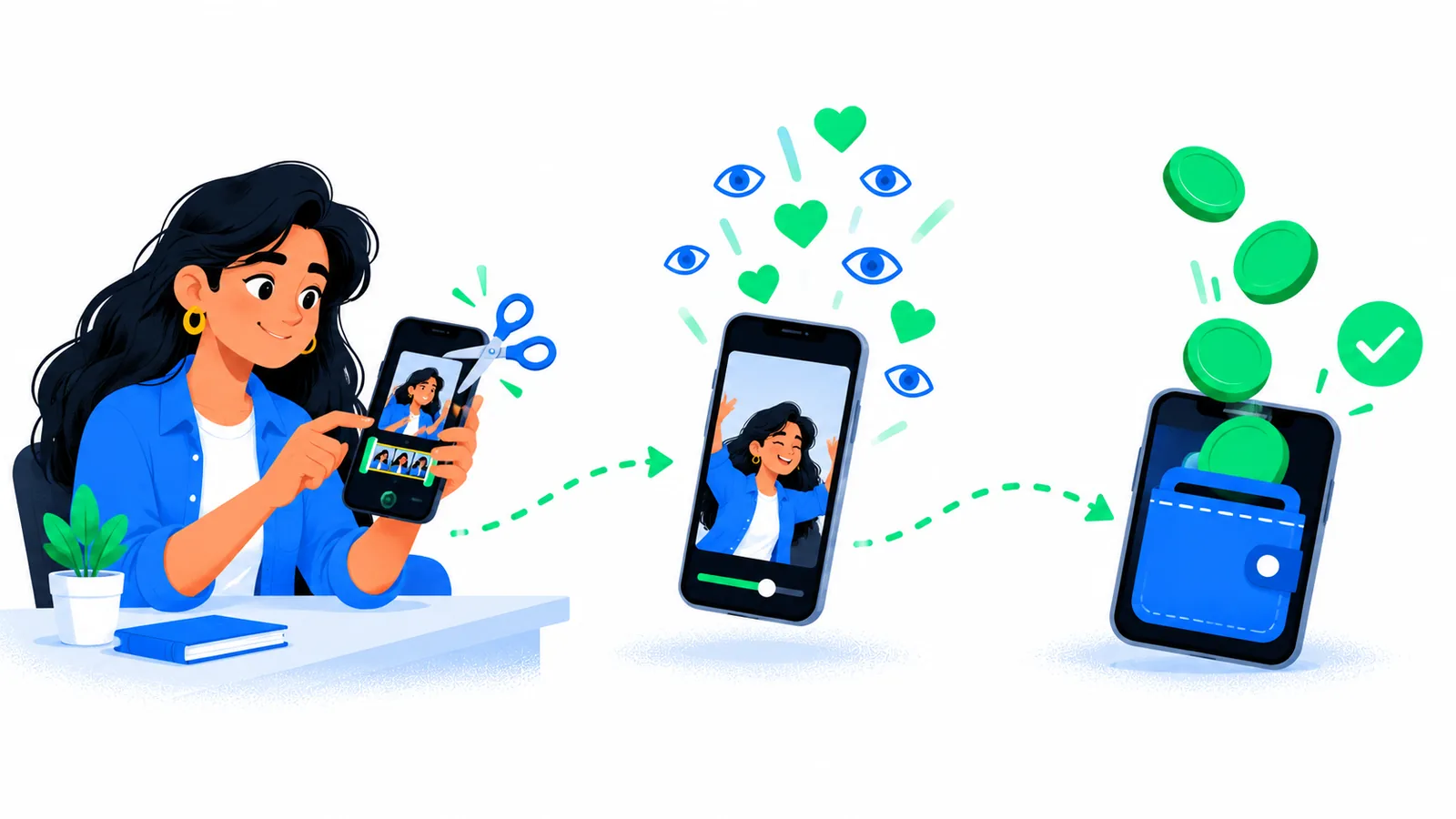 Cut one strong moment, post it without a watermark, and the approved views are what earn, not the app.
Then post from your own account, submit the link to the campaign, and let the views come in. Our full guide on how to make money clipping in India walks through the rest, from sign up to your first withdrawal.
Which clipping apps pay money in India?
An editing app never pays you. YouTube Create, Edits, InShot, VN, Adobe Premiere and Canva cut the clip; a clipping platform is what pays you for the views it gets. When people search for a "clipping app to make money", they mean the second kind.
Several platforms pay Indian clippers to UPI, and their rates, minimums, fees and payout times differ a lot. We compared eight of them, each checked on its own site, in our guide to the best clipping platforms in India. We have not repeated that ranking here.
Musubi is one of those platforms, and it publishes this page. On Musubi, brands pay creators per 1,000 verified views on Instagram Reels and YouTube Shorts. It is free to join and there is no follower minimum. Views are read from the post itself, each clip is reviewed, and its earnings then reach your wallet. A withdrawal goes to your UPI ID within 48 hours of the request, the minimum is ₹10, and a 5 percent fee comes off each withdrawal. You must be 18 or over and based in India; Musubi's terms set out the rest.
How we checked these apps
Every app was checked on 21 October 2026 on its own pages: the Google Play listing loaded for India, the Apple App Store India listing, and the maker's help centre or website. We did not copy features from other lists or from YouTube reviews, because those often describe old versions. Older guides that say YouTube Create exports only 720p or 1080p are out of date, for example.
The rules we applied:
- Installs in India today. An app had to load in both the India Play Store and the India App Store. CapCut failed this check.
- A real free tier. The app had to let you export a clip without paying.
- The maker's own words. A watermark, caption or resolution claim had to come from the app's listing, terms or help pages. Where those pages are silent, the table says "Not stated" instead of guessing.
- Phone first. The list covers apps you can use end to end on a phone. Desktop editors and AI tools that cut clips for you in a browser are left out.
Questions creators ask
Is CapCut banned in India?
Yes. CapCut was blocked in India in July 2020, in a follow up order to the June 2020 block on TikTok and 58 other apps. On 21 October 2026 its Google Play listing returned "Not found" for India and Apple's India App Store had no CapCut. Free alternatives that install in India include YouTube Create, Edits, VN, Adobe Premiere, InShot and Canva.
Which free video editing app has no watermark in India?
Edits, VN and Adobe Premiere all state on their own store listings that free exports carry no watermark, and all three install in India. Canva has no watermark as long as you use only free elements. InShot adds its logo to free exports and removes it with a Pro subscription. YouTube Create's pages do not say either way, so test one export first.
What is the best app for clipping YouTube videos on a phone?
For turning a long YouTube video into a Short, Adobe Premiere on mobile is the strongest free choice, because its auto reframe keeps the speaker inside a vertical frame and it exports 4K with no watermark. YouTube Create is simpler and posts straight to YouTube. Only clip a YouTube video you own, have permission for, or that a campaign supplied.
Which app makes free auto captions in Hindi?
InShot's Google Play listing names Hindi, Bengali, Telugu, Marathi, Tamil and Urdu among its auto caption languages, though it does not say whether captions are free or Pro. Edits makes automatic captions and added Devanagari fonts for styling them in November 2025. YouTube Create offers one tap captions in selected languages. Always proofread names and Hinglish before you post.
What export settings should I use for Reels and Shorts?
Export vertical 9:16 video at 1080 by 1920 pixels or higher, with no watermark and no borders. Instagram's guidance for creators asks for high resolution vertical video, says not to post reels with watermarks or blurry footage, and says a reel must be 3 minutes or less to be recommended. Every app in this guide can export a vertical clip.
Can a clipping app pay me money in India?
An editing app does not pay you; a clipping platform does. Platforms such as Musubi pay creators in India for the verified views their clips get on Instagram Reels and YouTube Shorts, usually to UPI. Rates, minimum withdrawals and fees differ by platform, so compare them on each platform's own pages before you sign up.
Start earning
Pick a live campaign, post your clip, and get paid for the views it gets.
Start earning