Do clippers get copyrighted? Claims and strikes explained
Yes, clippers get copyrighted when they post someone else's video or music without permission. On YouTube a Content ID claim usually hits one video, while three active copyright strikes can end a channel. On Instagram Reels the usual result is muted audio, and repeated removals can disable the account. Permission and library music keep clips safe.
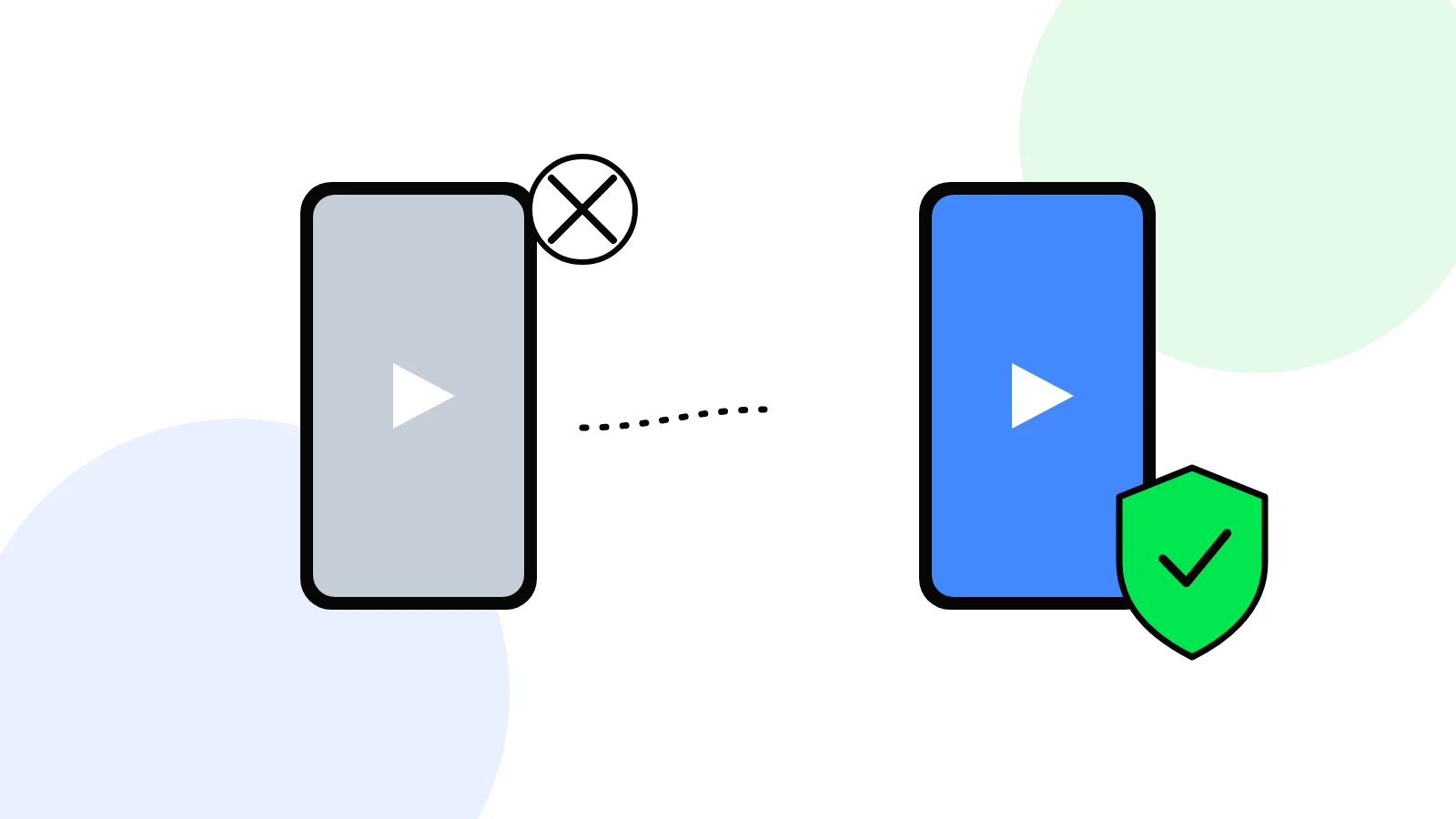
Do clippers get copyrighted?
Yes, clippers get copyright claims and strikes when they post someone else's video or music without permission. On YouTube most trouble starts as a Content ID claim, which hits one video, not your channel. A copyright strike is the serious one: three active strikes can end the channel. On Instagram Reels the usual result is muted audio, and repeated removals can disable the account.
So clipping is safe when the footage is yours to use, such as a creator's written yes or a brand's footage under a campaign brief, and the music comes from the platform's own library. It is not safe when you download a popular video and repost it.
Every rule below was read on YouTube Help and Instagram Help on 19 November 2026. Both companies revise these pages often, so check the linked page before you rely on a rule. Whether a clip is lawful under Indian copyright law is a separate question, covered in our post on whether clipping is legal in India. This post is about what the platforms do to your clip and your account.
What is the difference between a claim, a strike and reused content on YouTube?
A Content ID claim, a copyright strike and a reused content refusal are three different things on YouTube, and each one hits a different part of your work. Clippers often mix them up, which is why "my clip got copyrighted" can mean anything from a lost ad share to a lost channel.
| What happened | What triggers it | What it hits | Does it count toward losing the channel? |
|---|---|---|---|
| Content ID claim | An automatic match against a rights owner's file | One video: blocked, monetised for the owner, or tracked | No, claims usually do not touch the channel |
| Copyright strike | A valid legal removal request from the owner | The video is removed and the channel gets a strike | Yes, 3 strikes can end the channel |
| Reused content refusal | A YouTube Partner Programme review | Ad money for the whole channel | No strike, but the channel cannot earn ads |
The rest of this section takes each one in turn.
A Content ID claim hits one video
A Content ID claim is automatic. YouTube's page on Content ID claims says a claim "may be automatically generated when an uploaded video matches another video" in its system. Depending on the owner's settings, the claim blocks the video, runs ads on it for the owner, or only tracks its views.
YouTube says claims "affect videos, but usually don't impact your channel or account". One rule matters for Shorts clippers: for Shorts of 1 to 3 minutes, claimed videos are blocked if there is an active claim on them, whatever the owner's policy. A long clip with a claimed song simply stops playing.
YouTube gives you these options for a claim:
- Leave it, if the claim is right.
- Erase the song, muting only the claimed song or all audio.
- Trim out the segment that was matched.
- Replace the song with audio from the YouTube Audio Library.
- Dispute it, if you have the rights or the match is wrong.
A copyright strike hits the channel
A copyright strike means the owner sent a legal removal request, YouTube found it valid, and the video was taken down. YouTube's copyright strike basics set out what follows:
- One strike. The video is removed. If you complete Copyright School, a short course of four questions, the strike expires in 90 days.
- Two strikes. The same rule applies to each strike: Copyright School, then 90 days.
- Three strikes. The account and any channels linked to it are subject to termination, its videos are taken down, and you cannot create new channels.
Deleting the clip usually does not remove the strike. YouTube also warns that a claim can become a strike: if you dispute a claim without a valid reason, the owner can file a removal request instead.
Reused content is not copyright at all
The reused content policy decides whether a channel can earn ads, and it has nothing to do with claims. YouTube's monetisation policies say reused content "is separate from YouTube's copyright enforcement" and the policy "applies even if you have permission from the original creator". Among the examples YouTube does not allow are "clips of moments from your favourite show edited together with little or no narrative".
So a clip channel can have zero claims and still be refused ads. That side of the story, and what gets a clip channel paid, is in our post on whether YouTube pays clippers.
What happens when a Reel uses copyrighted music or video?
On Instagram, copyrighted music in a Reel usually gets the audio muted, while a copyright report gets the Reel removed. Instagram works with rights owners in two ways, and they lead to different outcomes.
Muted audio
Muted audio is the most common copyright problem a clipper sees on Instagram. Instagram's page on replacing muted audio says changes to its agreements with music rights holders "may result in your audio being muted", and that the Reel can still be viewed when its audio is muted. You see "Audio unavailable" on the Reel, and you can replace the track with another one from Instagram's audio library. Instagram notes you can only replace the audio on a Reel that has been muted.
Instagram's music guidelines explain what raises the chance of a mute or block:
- the more full length recorded tracks in a video, the more likely it is to be muted or blocked;
- shorter clips of music are recommended;
- a video should always have a visual part, and recorded audio should not be its main purpose.
If a video is muted or blocked, Instagram says it will show what you can do, which may include disputing the rights holder's claim if you think it was made in error.
Business accounts need care. Instagram's page on its licensed music library says the library is meant for personal use, that certain business accounts and certain kinds of posts cannot use it, and points them to Meta's Sound Collection of over 14,000 royalty free songs and sounds that can be used commercially.
Removal and the repeat infringer policy
A Reel reported by the owner is removed, not just muted. Instagram's copyright help says you get a notification that may include the name and email of the rights owner who reported it, and that you can follow up with them or submit an appeal.
Removals add up. Under Instagram's repeat infringer policy, if you repeatedly post content that infringes someone's copyright, "your account may be disabled or your Page removed". Short of that, your ability to post photos or videos may be limited and you can lose some features. A post restored on appeal, or because the owner withdrew the report, is taken into account under the policy.
Instagram does not publish a fixed count like YouTube's three strikes, so do not treat any number of removals as safe.
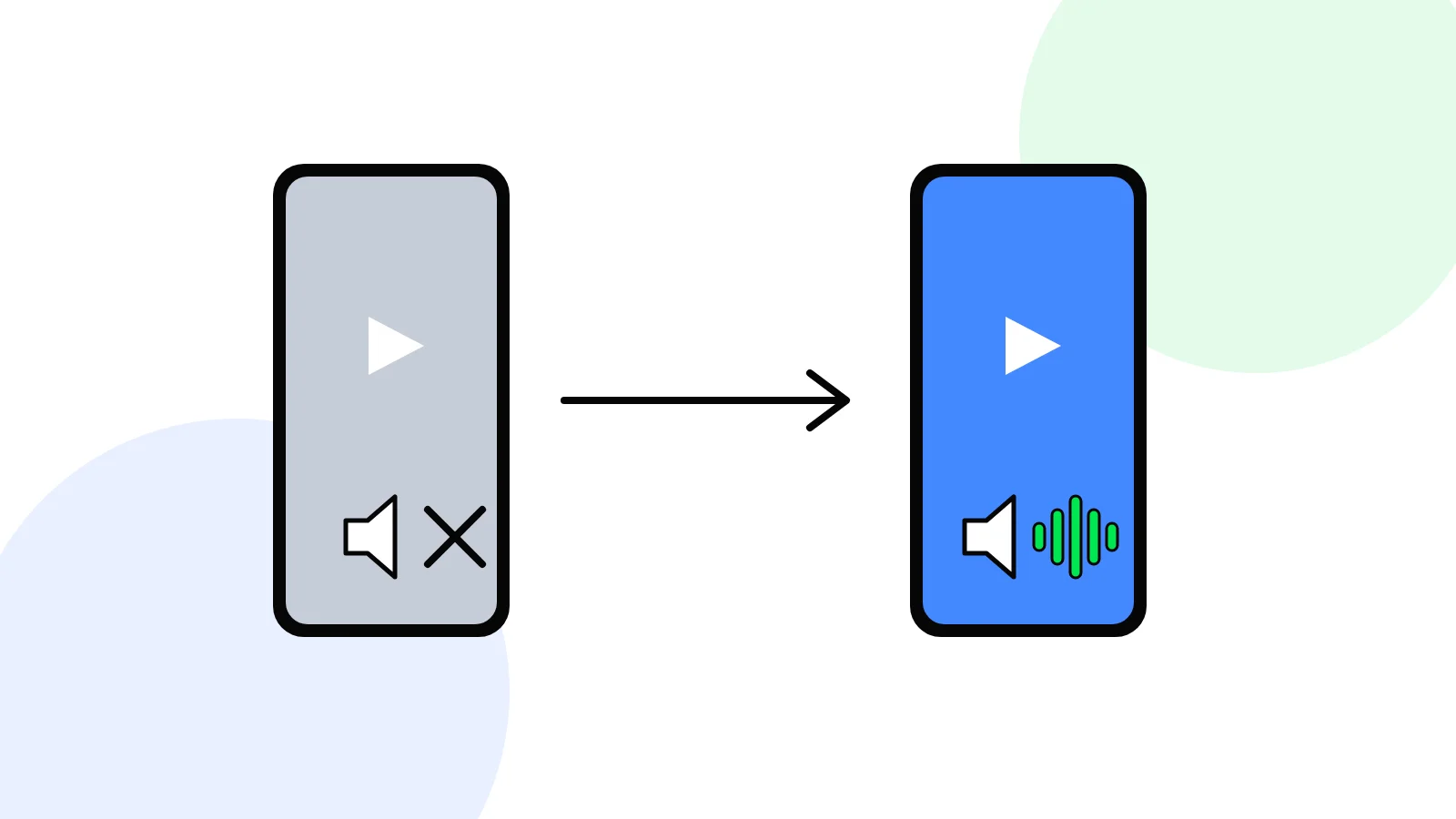 A muted Reel stays up, and Replace audio swaps in a track from Instagram's library.
How do you dispute a copyright claim on a clip?
You dispute a YouTube claim from YouTube Studio, and you should do it only when you have the rights or the match is wrong. YouTube's page on disputing a Content ID claim gives the path and the clock:
- Open YouTube Studio, go to Content, find the video and, under Restrictions, select See details.
- Under Content used, choose Take action, then Dispute. A dispute cannot be cancelled once it is sent.
- The claimant has 30 days to respond. If they do not, the claim expires.
- If they reject your dispute, you may be able to appeal, and the claimant then has 7 days to respond.
- If they still disagree, they can send a removal request. If it is valid, the video is removed and your channel gets a strike.
YouTube lists three valid reasons to dispute: you have all the rights to the content, your use falls under an exception such as fair use, or the video was misidentified. It also lists reasons that are not valid: giving credit, owning a copy, or choosing not to monetise.
For a strike, YouTube gives three ways out: wait 90 days after completing Copyright School, ask the person who reported you to retract it, or send a counter notification if the removal was a mistake.
On Instagram, use the appeal in the removal notice, or contact the rights owner named in it. For a campaign clip, the brief and your messages with the brand are your proof of permission, so keep them.
| Your situation | Valid to dispute? |
|---|---|
| The brand or creator gave you the footage for this campaign | Yes, you have the rights |
| The match is wrong, for example your own voice flagged as a song | Yes, misidentified |
| You wrote "credit to the owner" in the caption | No |
| You are not monetising the clip | No |
| You downloaded it and it went viral | No |
How do you avoid copyright strikes as a clipper?
You avoid copyright strikes by clipping only footage you have permission to use and adding music only from the platform's own library. Five habits cover almost every case.
- Get permission in writing. A creator's written yes, or a brand's footage under a campaign brief, is the line between a paid clip and a strike. A credit line is not permission, and YouTube says so in its list of invalid dispute reasons.
- Use the footage the brief gives you. On a clipping campaign, the brand supplies its own videos for you to cut, for that campaign. Do not mix in a film scene, a cricket highlight or another creator's video to make the clip hit harder.
- Pick audio inside the app. Use the Instagram audio library or Meta's Sound Collection for Reels, and the YouTube Audio Library for Shorts. A song you add in an outside editor is what Content ID and Instagram's music matching catch.
- Keep Shorts under a minute when the audio is not yours. A claim on a 1 to 3 minute Short blocks it outright.
- Read every notice the day it arrives. A muted Reel can be fixed with Replace audio, and a claim can often be fixed by trimming or swapping the song before it costs you anything.
Musubi, an Indian platform where brands pay creators per 1,000 verified views on Instagram Reels and YouTube Shorts, builds the first two habits in. Each campaign's brief names the footage and the platforms, you post from your own account, and Musubi's terms bar clips that infringe copyright and clips not made by you. How the pay works, from the rate per 1,000 views to the UPI withdrawal, is in our guide to making money clipping in India.
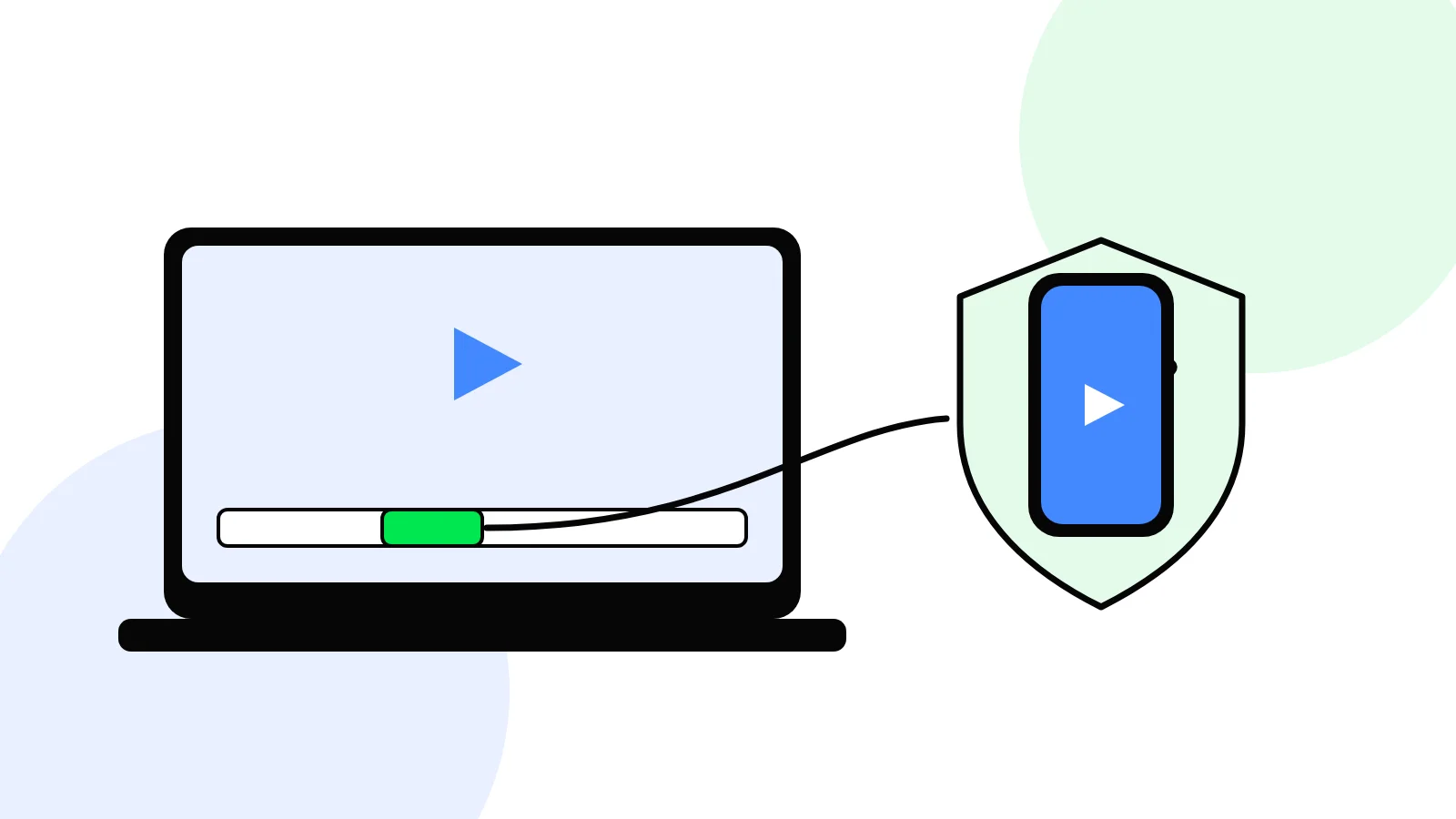 Footage a brand hands you under a brief is footage you have permission to clip.
What should you do if your clip was just claimed or struck?
Check which of the three it is before you do anything. In YouTube Studio, a claim shows under the video's restrictions as a copyright claim, while a strike shows on the channel. On Instagram, a muted Reel shows "Audio unavailable", and a removal comes with a notice.
- A claim on a song: trim, mute or replace the song, or leave it if you do not need the ad money.
- A claim you are sure is wrong: dispute it with the reason that fits, and nothing else.
- A strike: complete Copyright School the same day, stop posting from that source, and dispute only with proof.
- A muted Reel: tap Audio unavailable, then Replace audio, and pick a library track.
- A removed Reel: read the notice, appeal if you had permission, and stop posting that source.
If you are clipping for a campaign and get any notice on its footage, tell the brand or the platform running it, since they hold the permission you are relying on.
Questions creators ask
Does a copyright claim give my channel a strike?
No. A Content ID claim on YouTube usually affects only the video it is on, by blocking it, running ads for the owner or tracking its views. A strike comes only when the owner sends a valid legal removal request. A claim can turn into a strike if you dispute it without a valid reason and the owner then files a removal request.
How many copyright strikes before YouTube deletes a channel?
Three. YouTube says an account with three copyright strikes is subject to termination, its videos are taken down, and the owner cannot create new channels. Each strike expires after 90 days once you complete Copyright School, a short course of four questions, so the count that matters is the strikes active at the same time.
Does giving credit to the original creator stop a copyright claim?
No. YouTube lists giving credit as an invalid reason to dispute a claim, along with owning a copy of the content and not monetising the video. Only permission from the owner, a real legal exception or a wrong match is a valid reason. A credit line in the caption protects neither a Short nor a Reel.
Can Instagram ban my account for copyright?
Yes. Under Instagram's repeat infringer policy, an account that repeatedly posts content infringing someone's copyright may be disabled, or its Page removed. Short of that, Instagram may limit your ability to post photos or videos and remove some features. Instagram does not publish a fixed number of removals, so no count is safe.
Is clipping for a brand campaign safe from copyright strikes?
Clipping for a brand campaign is safe from copyright trouble when you use the footage the brand gives you, for the campaign it names, and add music from the platform's own library. The brand owns the footage and has asked for clips. Mixing in a film scene, a sports highlight or an outside song brings the risk back.
Start earning
Join a live campaign, get accepted, post your clip, and get paid for the views it gets.
See live campaigns